
Custom iPhone 17 Air case
A custom iPhone 17 Air case puts your own photo on a case made for Apple's thinnest iPhone. The main choice is how much of that thinness you want to keep: Snap and Clear stay slim, Tough adds protection. Then you place your photo in the preview and keep the top of the design free for the camera.
The Air is different from the other iPhone 17 models in size and camera layout, and the choice of personal cases for it is still small. This guide covers which case to choose and how to design one that suits a thin phone.
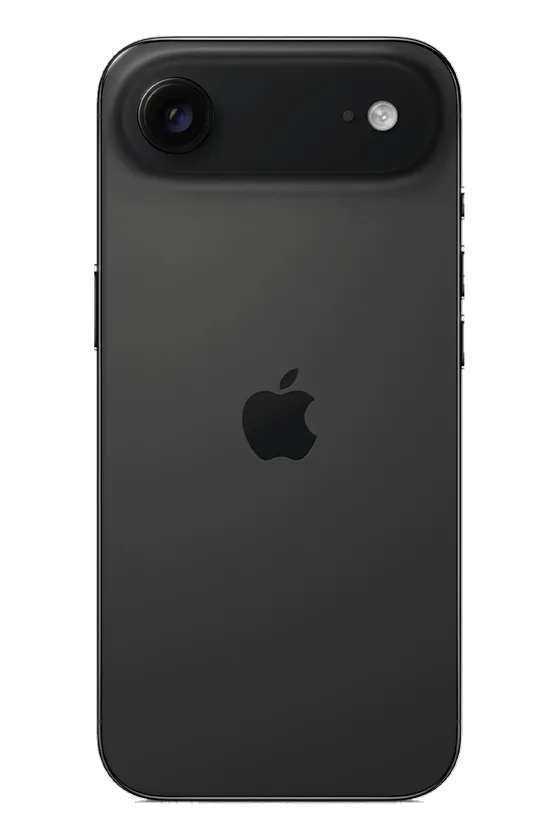
A case made only for the Air
The iPhone 17 Air has its own size and camera position. Cases for the iPhone 17, iPhone 17 Pro or iPhone 17 Pro Max do not fit it. To check which phone you have, open Settings, General, About.
Five case types: thin or protected
The Air is offered in all five case types. They differ mostly in how much they add to the phone:
| Case type | What it is | Best for |
|---|---|---|
| Snap | A thin one-piece shell that clicks around the phone. | Keeping the phone slim and light |
| Clear | Your print on the back, with clear sides. | Showing the phone's own color around the photo |
| MagSafe Clear | Clear with a magnetic ring. | A light case that still holds magnetic accessories |
| Tough | A rigid outer shell over a shock-absorbing liner. Your print sits on the outer shell. | Everyday protection, phones that get dropped |
| MagSafe Tough | Tough with a magnetic ring built into the case. | Magnetic chargers, grips, wallets and car mounts |
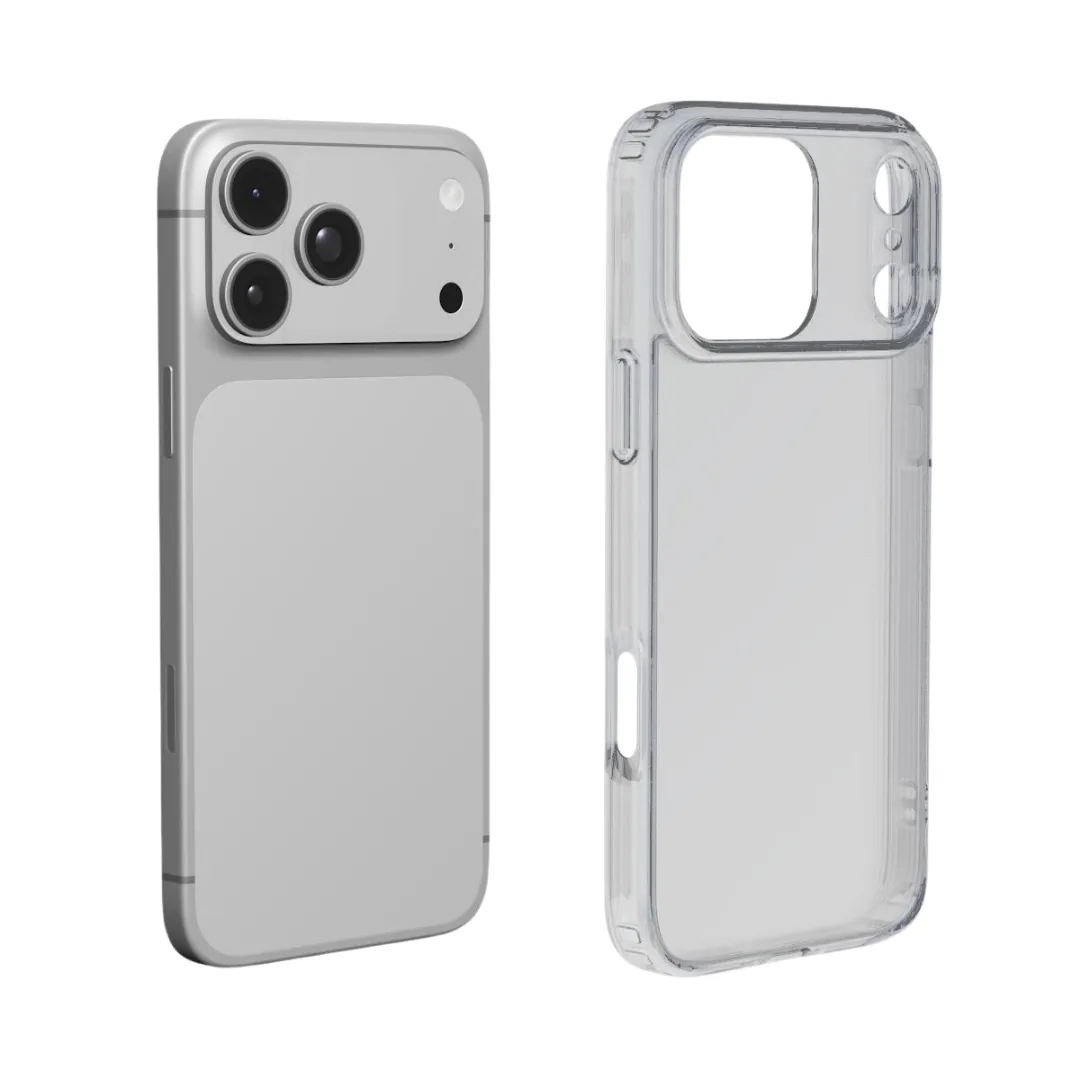
Keeping it slim
If you bought the Air because it is thin, Snap is the case for you. It is a single thin shell and changes the feel of the phone the least. Clear is also light and lets the Air's color show at the sides.
When Tough makes sense
A thin phone has less room inside to absorb a fall. If you drop your phone often, or carry it in a bag with keys, Tough adds a shock-absorbing liner. The phone gets thicker, but you can stop worrying about it.
MagSafe on the Air
The Air has MagSafe built in. If you use a magnetic charger, wallet or grip, choose MagSafe Clear or MagSafe Tough: their magnetic ring helps accessories hold firmly through the case. Snap, Clear and Tough work with wireless charging, but magnetic accessories will not hold as well.
Designing around the camera
The Air's camera sits across the top of the back, and that strip is cut out of the case. Keep the important part of your photo below it:
- Faces in the middle and lower half, with clear space above the head.
- Background at the top: sky, sea or a plain wall.
- Short text, placed low. A first name or a date reads well and stays away from the rim.
A clean design suits a thin phone
The Air is a simple, minimal phone, and one strong, simple photo suits it well. A few ideas:
- One portrait of a person or a pet, close and sharp. See our dog photo guide.
- A calm landscape with a clear sky at the top, which leaves room for the camera.
- Just a color: a background color with a name or initials, the most minimal case of all.
Use the original photo from your camera roll, not a screenshot. A soft photo shows on the full back of the case.
Make your iPhone 17 Air case in three steps
- Choose model. Pick iPhone 17 Air.
- Case type. Snap or Clear to stay slim, Tough for protection, or a MagSafe version for magnetic accessories.
- Design. Tap the case to add your photo, or just pick a background color. Keep the top for background, add a name if you like, and check the preview.
Mistakes to avoid
- Ordering an iPhone 17 or 17 Pro case for the Air.
- Choosing Tough when keeping the phone thin matters most to you.
- Putting a face or text under the camera.
- Expecting a MagSafe wallet to hold well without a MagSafe case.
How long it takes
We make and dispatch your case within 2 business days after payment. Delivery then usually takes 5–7 business days within Europe, 5–10 to the United States and up to about 20 to Australia. These are estimates, not a promised arrival date, so leave some room before a birthday or a holiday.
To order, add the case to your cart when the preview looks right and pay securely with Stripe. Personalized cases are made for you, so they cannot be returned because the photo, the spelling or the model was wrong. If your case arrives damaged or does not match the preview, write to us with the order number and a photo.
Questions
Does an iPhone 17 case fit the iPhone 17 Air?
No. The Air has its own size and camera position, so it needs its own case.
Which iPhone 17 Air case is the thinnest?
Snap, a single thin shell. Clear is also light.
Will a Tough case make the Air thick?
It adds more than Snap or Clear because of its shock-absorbing liner. Choose it if protection matters more than thinness.
Which iPhone 17 Air cases work with MagSafe?
MagSafe Clear and MagSafe Tough have a magnetic ring for MagSafe accessories. All five types work with wireless charging.
Where should my photo go on an iPhone 17 Air case?
Keep faces and text in the middle and lower half. The camera sits across the top, so let that part of the photo be background.